Concept vs. Specification: Why You’re Spending Too Much Time on Early-Stage Renders
Are you over-rendering too early in the project? Learn the difference between Concept Visualization and Specification, and save hours on every project.
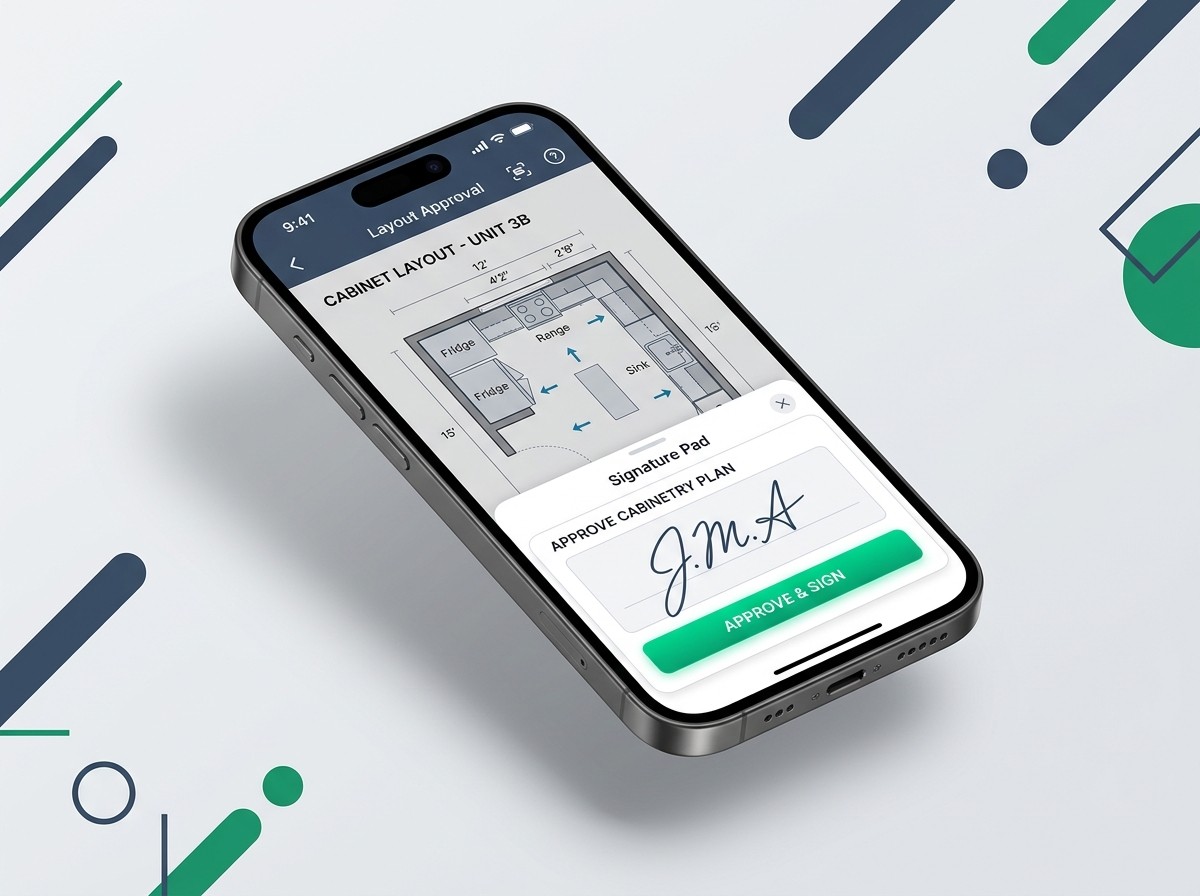
You’ve just finished a massive design consultation. You spent three hours perfecting the CAD drawings in Mozaik or Cabinet Vision, priced out the hardware, and sent the final PDF quote to the homeowner.
And then... crickets. You follow up a week later, and they say, "Sorry, we haven't had a chance to print it out, sign it, and scan it back to you yet."
Friction kills sales. In a world where your clients can buy a car or apply for a mortgage from their smartphone, forcing them to find a printer just to approve a kitchen layout is costing you jobs.
The Modern Homeowner Expects Mobile
Your clients are busy professionals. They are reviewing your quotes while commuting, standing in line for coffee, or sitting on the couch after the kids are asleep. If your approval process requires desktop software or a physical scanner, they will procrastinate.
Worse, while they are procrastinating, they are giving your competitors time to swoop in with a lower bid.
Zero-Friction Approvals
To speed up your sales cycle, you need to remove every obstacle between the client and the dotted line. This means adopting a "mobile-first" signature process.
With CabSign, there are no apps for your client to download and no accounts for them to create. You simply text or email them a secure link. They tap the link on their iPhone, review the floor plans and pricing, and draw their signature with their finger.
The entire process takes 15 seconds. You get an instant notification, the final Certified PDF is generated automatically, and your shop floor can start cutting.
Don't let a lack of a printer stall your production pipeline. Switch to frictionless digital approvals.
← Back to Articles